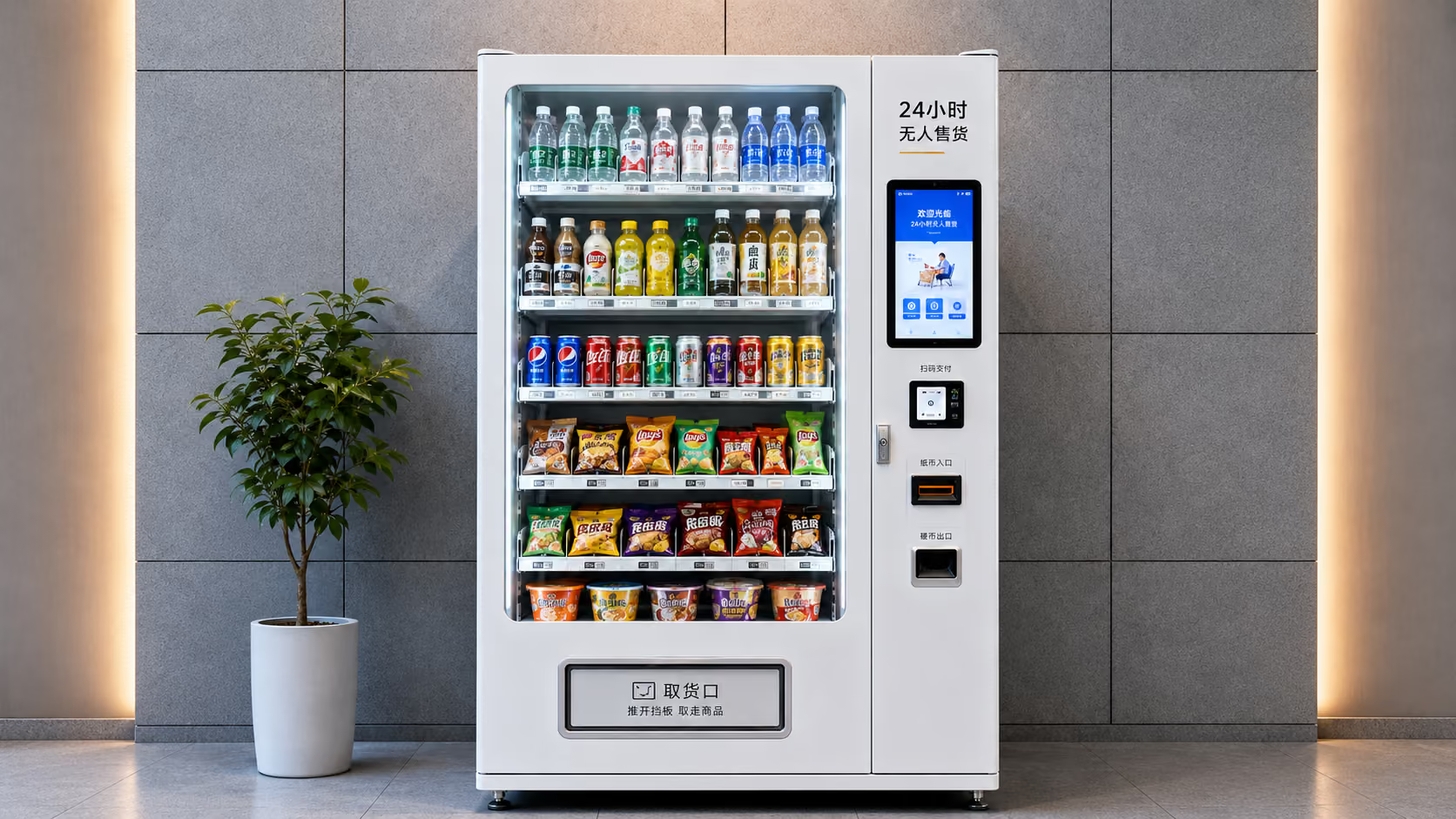

Operators of shared power banks, drones and smart storage often hold fleets of legacy cabinets with mechanical locks or locally controlled electronic locks. Replacing the whole fleet is expensive and slow. The core question of an upgrade is simple: what do you replace, and what do you keep?
Bottom line: an upgrade replaces three things — the control board (core), the actuators (as needed) and connectivity/software (standard) — while the cabinet sheet metal, compartments and power wiring can all stay.
The three parts an upgrade replaces
Part 1: the control board (always). Mechanical-lock cabinets have no control logic, and locally controlled boards usually lack connectivity. Replace with a 4G control board like the WGX-12: it manages 12 independent compartment locks on one board — rental/return detection, remote unlock, status queries and customizable voice prompts — and connects to mainstream IoT cloud platforms with just a SIM card, no gateway.
Part 2: locks and actuators (as needed). Electronic locks vary in voltage and trigger method. Confirm your lock specification first — most can be wired directly to the new board; mismatched or aging locks should be replaced in the same pass, so they do not become the post-upgrade failure point.
Part 3: connectivity and software (standard). Once the 4G board brings the cabinet online, confirm the cloud platform integration (MQTT stack for mainstream platforms) and your operations backend. Boards with OTA and remote diagnostics let firmware and software defects be fixed in the field.
Before vs after
| Capability | Legacy cabinet | Smart cabinet (after upgrade) |
|---|---|---|
| Compartment status | Unknown (manual inspection) | Known in real time (occupied/returned/online) |
| Unlocking | Mechanical key / local operation | Remote unlock, scheduled control |
| Fault handling | On-site troubleshooting | Remote diagnostics + OTA fixes |
| Operations data | None | Rental records, online rate, inventory |
| Labor cost | Inspection-driven | Cloud-managed |
Upgrade steps
Step 1: Inventory the current state. Record compartment count, lock models and voltage specs, wiring space and deployment-site network conditions.
Step 2: Confirm the solution. Match the board to compartment scale: locker compartments → WGX-12 (12 compartments); simple relay switching → WKG-4 (4 relays, 4G optional); large lane-based cabinets → WHD-100 (100 lanes).
Step 3: Prototype integration. Integrate and validate 1–2 complete units first — lock drive, status detection and cloud reporting end to end — before rolling out the fleet.
Step 4: Fleet deployment and operations planning. Test signal on site (basements and mall corners in particular), and plan firmware update and device management processes.
FAQ
Q: How long does an upgrade take? A: Per-cabinet, the work is a board swap plus integration — hardware installation within half a day. Fleet rollout and platform integration depend on cabinet count and complexity; validate 1–2 units first, then scale.
Q: What parts of the cabinet are kept? A: The sheet metal, compartments and power wiring are all kept. What changes is the control section (board, mismatched locks) plus the new connectivity.
Q: What if the deployment site has poor signal? A: Test on site first. For basements and mall corners, consider an external antenna or a different carrier SIM; confirm supported bands and antenna interface during selection to leave room for on-site adjustments.
Competition in shared lockers is ultimately about operational efficiency. Upgrading mechanical cabinets to smart ones is the first step from “staff watching cabinets” to “the cloud watching cabinets”.
Related products and specifications
Use the published model pages below to verify channel counts, communication interfaces, detection capabilities and target applications.